
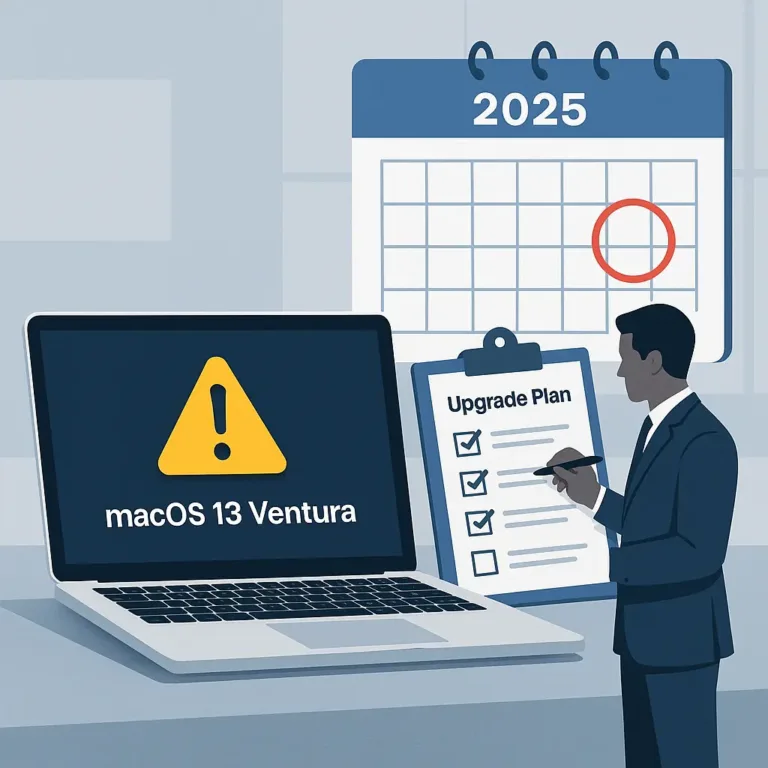
Mac computers are known for their longevity and robust support lifecycle. Apple typically provides macOS updates, including critical security patches, for years after release. But every version eventually ages out, and macOS 13 Ventura’s turn has come: when this article was first published we anticipated end of life by late 2025, and that is how it played out. Ventura stopped receiving security updates in the fall of 2025, when macOS 26 Tahoe shipped.
If any of your Macs still run Ventura today, they have been unpatched for months. Here is what that means and what to do about it.
What “End of Life” Means for a Mac
When a macOS version leaves support, Apple stops releasing security patches for it. The machine keeps working, which is exactly the problem: nothing visibly changes while the risk quietly accumulates.
- Security vulnerabilities: known exploits stay open forever on an unpatched system, and attackers keep a running list.
- Compliance risks: regulated industries (finance, healthcare, legal) generally require supported, patched software. An EOL operating system is an audit finding and a problem on a cyber insurance claim.
- Software compatibility: browsers and business applications drop old macOS versions steadily. The machine becomes less useful as well as less safe.
Apple supports roughly the three most recent macOS versions at any time. This site keeps a current list, worth bookmarking, because Apple itself does not publish formal end-of-life dates.
The same clock is running for macOS 14 Sonoma, which drops out of support when Apple's next release ships, typically in the fall. If your fleet is on Sonoma, the upgrade conversation belongs in this quarter's plans, not next year's.
Can Your Mac Be Upgraded?
Apple generally supports macOS updates on hardware for about seven years. Most Macs that ran Ventura can move to a current version.
The important exception is Intel-based Macs. macOS 26 Tahoe is the final version that runs on Intel processors, and only on a short list of the last Intel models. Everything after it requires Apple silicon. If your business still runs Intel Macs, upgrading buys you time, but the replacement date is now fixed rather than theoretical, and it belongs in your hardware budget.
Performance matters too. A machine that technically accepts the newest macOS but struggles to run it is not a productivity tool. We recommend replacing business-critical machines on about a five-year cycle for exactly this reason.

What Should You Do Now?
- Audit your fleet: identify anything on Ventura or older. In our experience the count is higher than anyone guesses, because the quiet machine in the corner is always running something old.
- Upgrade what can be upgraded: current-version macOS is a free update.
- Flag every Intel Mac: schedule its replacement deliberately instead of discovering the deadline during an incident.
- Put it on a cycle: hardware that ages on a plan costs less than hardware that ages by surprise. That is the whole argument of technology lifecycle management.
Final Thoughts
Operating system currency is not about new features. It is about staying patched, compliant, and compatible with the tools your team uses daily. This is also one of the checks that takes us minutes during an assessment, and one of the things that simply stays handled for managed clients: inventory, upgrades, and replacement planning included.