For many professionals working remotely, choosing a VPN service for business feels like the safest way to browse the internet. Financial and legal teams often assume that turning on any VPN means they are protected. In reality, not all VPN services are designed for business compliance, secure internal access, or regulatory oversight.
Remote and hybrid work now happens everywhere: coffee shops, airports, hotels, client offices, and home networks. In those environments, it is common to hear: “If I just turn on a VPN, I’m safe.”
That belief can create a dangerous blind spot.
For business users in regulated industries, the safest approach is simple:
- Use only company-approved VPN solutions to access internal systems.
- Prefer a personal hotspot over public Wi-Fi.
- If you must use public Wi-Fi, follow strict company security policies.
Let’s break down why that matters.
What This Tool Actually Protects (and What It Does Not)
A VPN, or Virtual Private Network, creates an encrypted tunnel between your device and a remote server. That encryption protects your internet traffic while it travels across a network.
In simple terms, a VPN hides your traffic from people on the same network and encrypts it while it is in transit.
A VPN service for business is helpful for:
- Encrypting traffic between your device and the VPN server
- Allowing secure access to internal company systems from outside the office
- Reducing basic network-level interception risk
But a VPN does not:
- Fix a compromised or infected device
- Protect you from phishing emails
- Prevent you from visiting malicious websites
- Automatically make your activity compliant with industry regulations
- Guarantee privacy if the VPN provider itself is poorly governed
For financial advisors and attorneys, that distinction is critical. Client confidentiality is not just a best practice. It is often a regulatory obligation. Encryption alone does not equal compliance.
Corporate VPN vs Consumer VPN: Why the Difference Matters
Not all VPN services are equal, and this is where many employees get confused.
Corporate, IT-Assigned VPN
A corporate VPN is:
- Provided by your organization
- Configured by your IT or security team
- Integrated into your broader security controls
It is designed to:
- Securely connect to internal applications and file systems
- Enforce multi-factor authentication
- Verify device compliance before granting access
- Log access activity as required by policy
These VPN solutions are often deployed as part of broader managed IT services that align with company security standards and compliance requirements.
In other words, they are not just encryption tools. They are controlled access systems.
Consumer VPN Services
Consumer VPN apps, such as NordVPN or TunnelBear, are built for individuals. Their common uses include:
- Accessing region-restricted content
- Masking IP addresses
- Personal privacy browsing
They are not designed around your firm’s compliance obligations.
When you use a consumer VPN service for business purposes:
- Your traffic is routed through a third party your company did not vet
- Your IT team has no visibility into how traffic is handled
- Data routing may cross borders with different legal standards
- Logging practices may not align with regulatory requirements
For regulated industries, that can create unnecessary exposure.
For work purposes, VPN decisions should always be directed by your IT team, not by individual preference.
The Hidden Risks of Public VPN Services in Regulated Industries
Installing a public VPN on a work device may feel proactive. In many cases, it introduces new risk.
1. Shifting Trust to an Unknown Provider
When using a consumer VPN service, all your traffic flows through that provider’s infrastructure.
You are effectively shifting trust from your internet provider to a private company whose data handling policies you may not fully understand.
For financial and legal firms, that shift can complicate audit trails and compliance documentation.
2. Compliance and Cross-Border Concerns
Many consumer VPN services route traffic through international servers.
That means:
- Data may pass through jurisdictions with different privacy laws
- Logging policies may not align with firm policies
- Regulatory obligations may be unintentionally violated
Even if the intent is secure browsing, the outcome may conflict with internal compliance standards.
Firms evaluating their broader IT and cybersecurity options can review the structured comparison here:
3. False Sense of Security
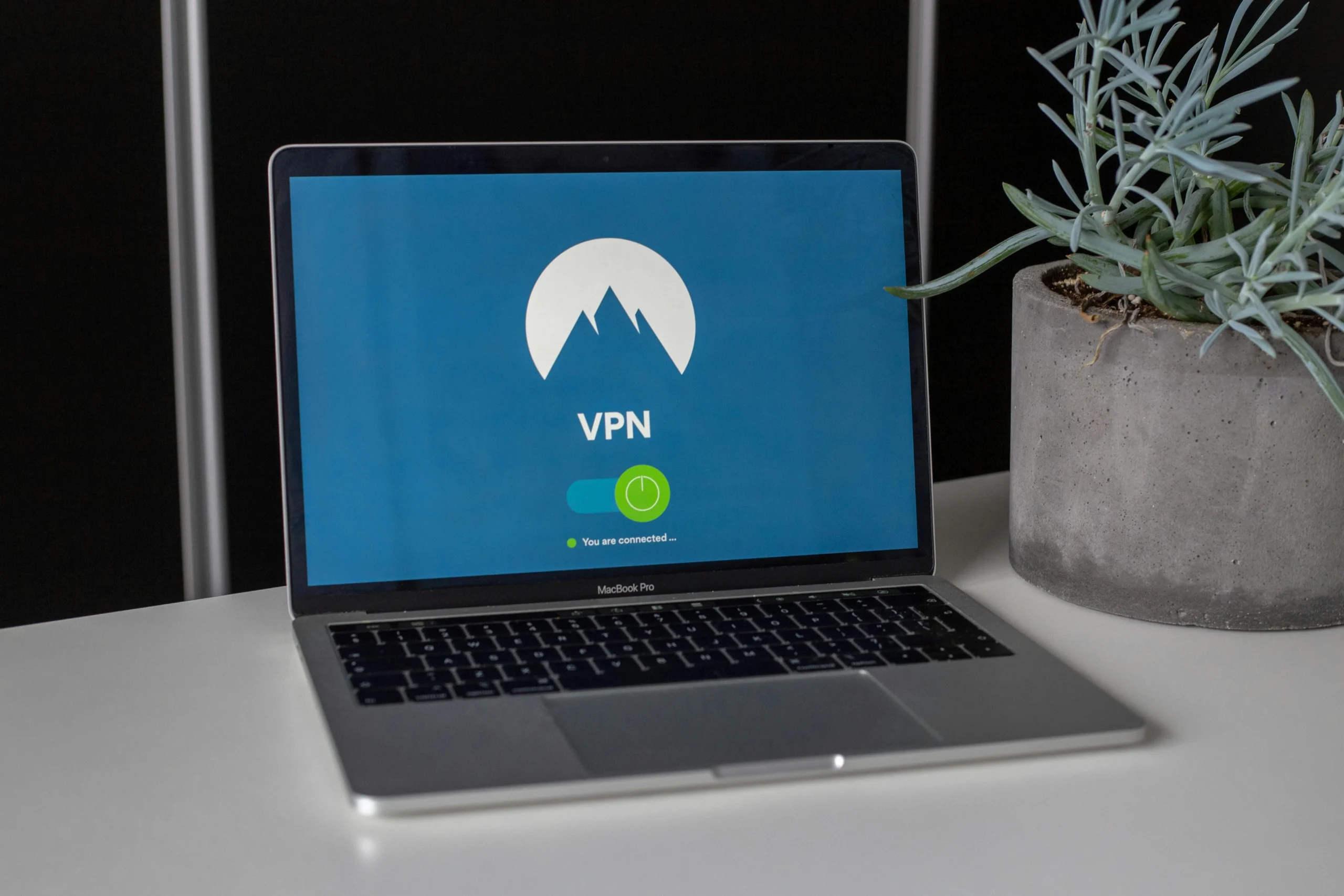
A VPN icon showing “connected” does not mean you are protected from:
- Phishing attacks
- Fake Wi-Fi networks
- Weak passwords
- Outdated devices
- Compromised browsers
Users often lower their guard once a VPN is active. That assumption can lead to careless behavior.
4. IT Support and Operational Interference
Consumer VPN apps can:
- Block access to corporate systems
- Interfere with approved corporate VPN connections
- Disrupt monitoring tools
- Make troubleshooting more difficult
Clear rule:
Do not install or use non-approved VPN services on work devices unless explicitly directed by IT.
When Secure Remote Access Is Actually Necessary
A VPN service for business should be used only when required.
Use a VPN when:
- You are connecting to internal company systems
- Your IT department has provided a specific VPN client
- You are following all required security steps such as MFA
You generally do not need a VPN just to:
- Browse the public internet
- Access cloud platforms protected by HTTPS and SSO
- Use platforms such as Microsoft 365 or cloud-based legal tools
Simple decision rule:
Am I accessing internal company resources?
Yes: Use the approved corporate VPN.
No: Focus on using a secure connection instead.
A More Effective First Step: Avoid Public Wi-Fi
If your goal is secure browsing, the most effective move is not choosing a VPN service.
It is avoiding public Wi-Fi whenever possible.
Use a personal hotspot instead.
Benefits:
- You control the network name and password
- Cellular networks encrypt traffic between your device and the tower
- Reduced exposure to fake Wi-Fi networks
- Lower risk of network-level snooping
Best practices:
- Use a strong, unique hotspot password
- Do not share your connection
- Turn it off when finished
- Follow company mobile device policies
For many professionals, switching to a hotspot reduces more real-world risk than installing a public VPN.
If You Must Use Public Wi-Fi
Sometimes public networks are unavoidable. In those cases:
- Confirm the exact network name with the business.
- Avoid open networks when possible.
- Use only company-approved security tools.
- Ensure your firewall and endpoint protection are active.
- Stick to encrypted HTTPS websites.
- Avoid accessing highly sensitive systems unless necessary.
Public Wi-Fi should always be treated as a higher-risk environment, even when encryption tools are active.
Additional security guidance can be found in our news and articles section.
Rethinking “Choosing a VPN” as a Business User
Instead of browsing for the best VPN app, employees should ask:
- Do I need a VPN for this task?
- Has IT approved a specific VPN service?
- Are consumer VPN apps allowed on work devices?
Security in regulated industries is not an individual decision. It is coordinated.
IT and security teams select, configure, and monitor VPN solutions so employees do not have to guess.
Quick Checklist for Secure Internet Use Outside the Office
Use this as your default rule set:
- Use a personal hotspot instead of public Wi-Fi whenever possible.
- Only use IT-approved VPN services for internal company access.
- Never install consumer VPN apps on work devices without approval.
- Confirm the correct network name before connecting.
- Keep devices updated and patched.
- Be cautious with downloads and logins on shared networks.
Final Thoughts
A VPN service for business can be a powerful tool when it is company-managed and used correctly.
For everyday secure browsing, the priorities are:
- A trusted network connection
- Company-managed security controls
- Clear communication with IT
Before installing or using any VPN service on a work device, talk to your IT or security team.
If you are unsure whether your current remote access setup aligns with compliance requirements, you can schedule a consultation to review your security posture.
Security is not about adding more apps. It is about making informed decisions that reduce risk